 Deutsch
  English
¶ Overview

To install and setup Mattermost (MM) please follow below steps.
Setup is similar for smartphone and computer.
Glitzerdrachen is running a central login ("Single-Sign-On") for Mattermost, Cloud, Wiki.
Contact: AG IT and Nico (user management)
¶ Step 1 - Install App
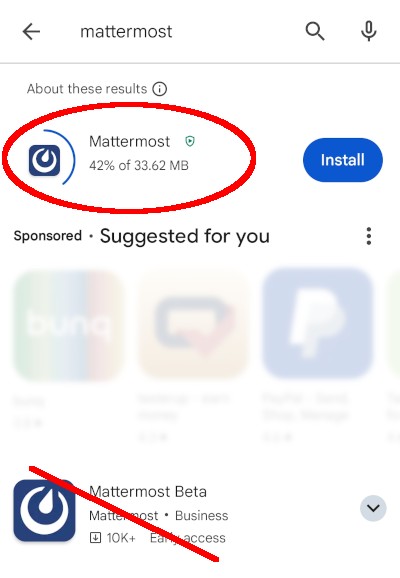
Mattermost app is freely available:
- Google Playstore - play.google.com - from Android 7
- Apple App-Store - apps.apple.com - from iOS 13.4
Details: APK 60 MB, Memory usage: 100 MB + data
¶ Step 2 - Connect to Server
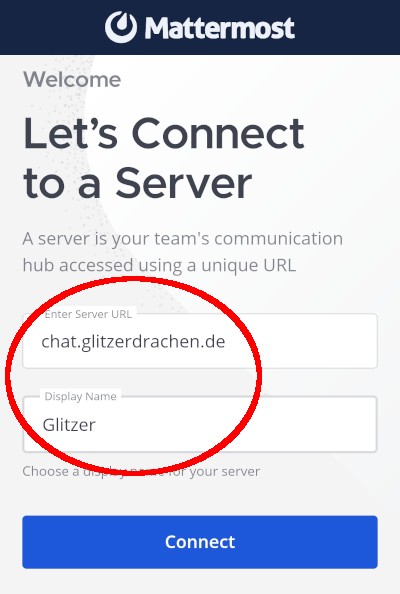
Mattermost needs to be connected to the server chat.glitzerdrachen.de.
'Display Name' is a free text label.
¶ Step 3 - 'Glitzerdrachen' Login
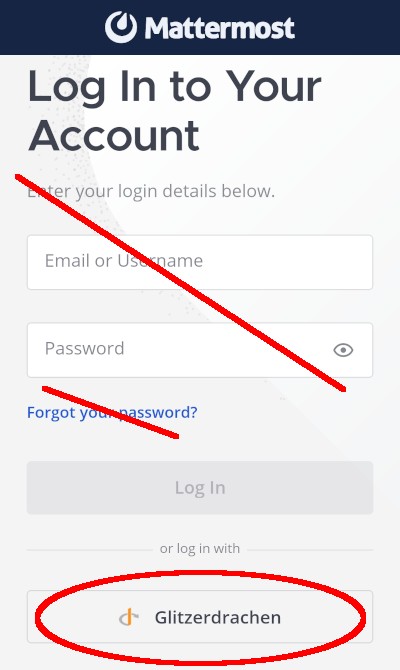
Login or "passwort reset" always via button 'Glitzerdrachen':
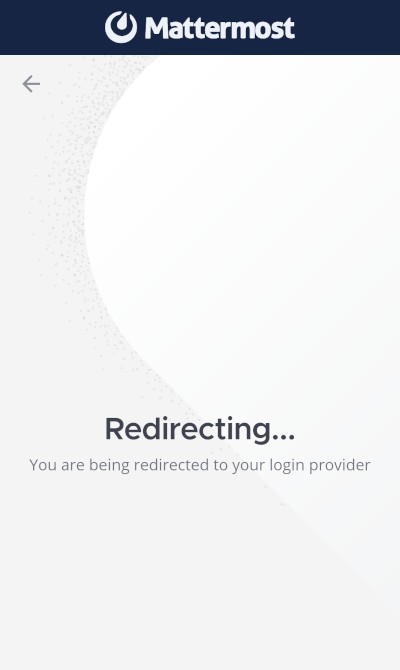
You get forwarded to our central login webpage: admin.glitzerdrachen.de
¶ Step 4 - Passwort Reset on First Login
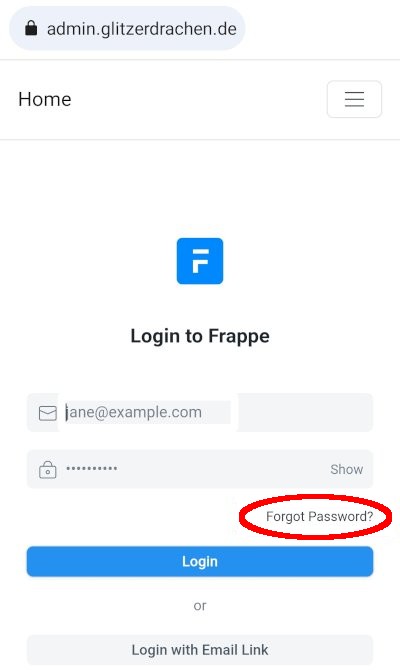
The initial passwort for Mattermost, Cloud and Wiki can be requested via Forgot Password on the login webpage.
¶ Step 5 - Login
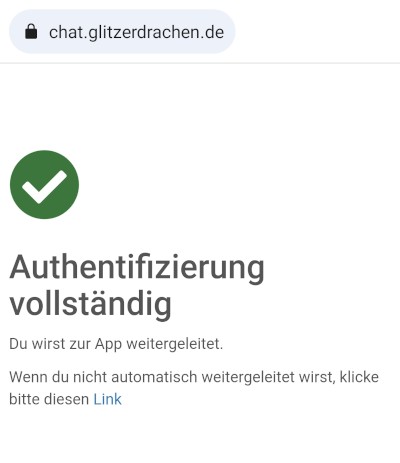
Step 3 again returns you to our central login page admin.glitzerdrachen.de.
Now log-in with your email plus the new generated password. You'll get forwarded into Mattermost app.
The login is permanent, you don't need to log-off.

¶ Step 6 - Profile
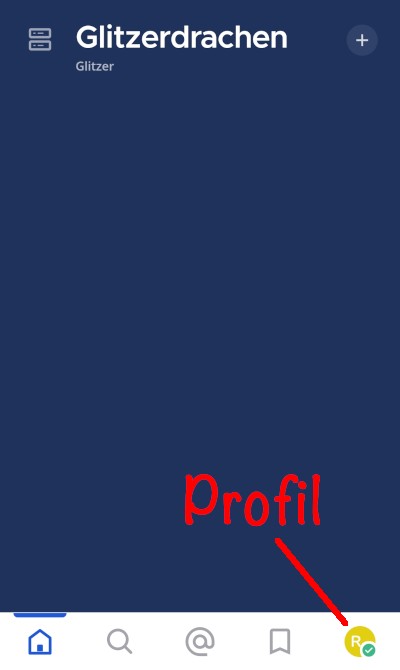
Please configure your Mattermost profile:
Profile >> Account Settings > Notifications
- Mobile Push Notifications >> Send mobile push notifications
- Trigger push notifications when >> Online
- Email Notifications >> (your choice)
¶ Step 7 - Member Area
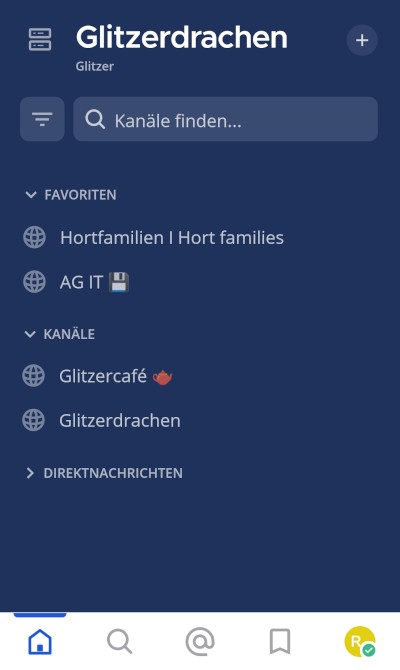
The board (Vorstand) will invite you to channel Glitzerdrachen with all members.
Now you can
- read channels
- contact members
- post messages
- join other public channels, e. g. Glitzercafe.
You can close the app, though don't need to log-off.
* * * DONE  * * *
* * *
Note: This page has been layed out as a good compromise for mobile devices (vertical format) and PC (horizontal format).